A music visualizer that survives bad wifi.
I wanted a music visualizer I could load up at a party and not have it ruined by the internet dropping in the middle of a set. No install, no signup, no cookies, no wifi dependency. The whole thing is one index.html file (~52KB) you save to your desktop, double-click, and drag a song onto. It analyses the audio locally and reacts in real time, nine custom visualizers, on-brand with the rest of Penumbra Tech (corona teal, eclipse motifs, debug-HUD chrome).
Drag a song onto the frame.
Same single HTML file from the repo, served from this site so you can use it right now. Drag any .mp3 from your desktop onto the frame to start. Use the bottom controls to switch visualizers and tune the feel. For the full-screen experience, open it in its own tab.
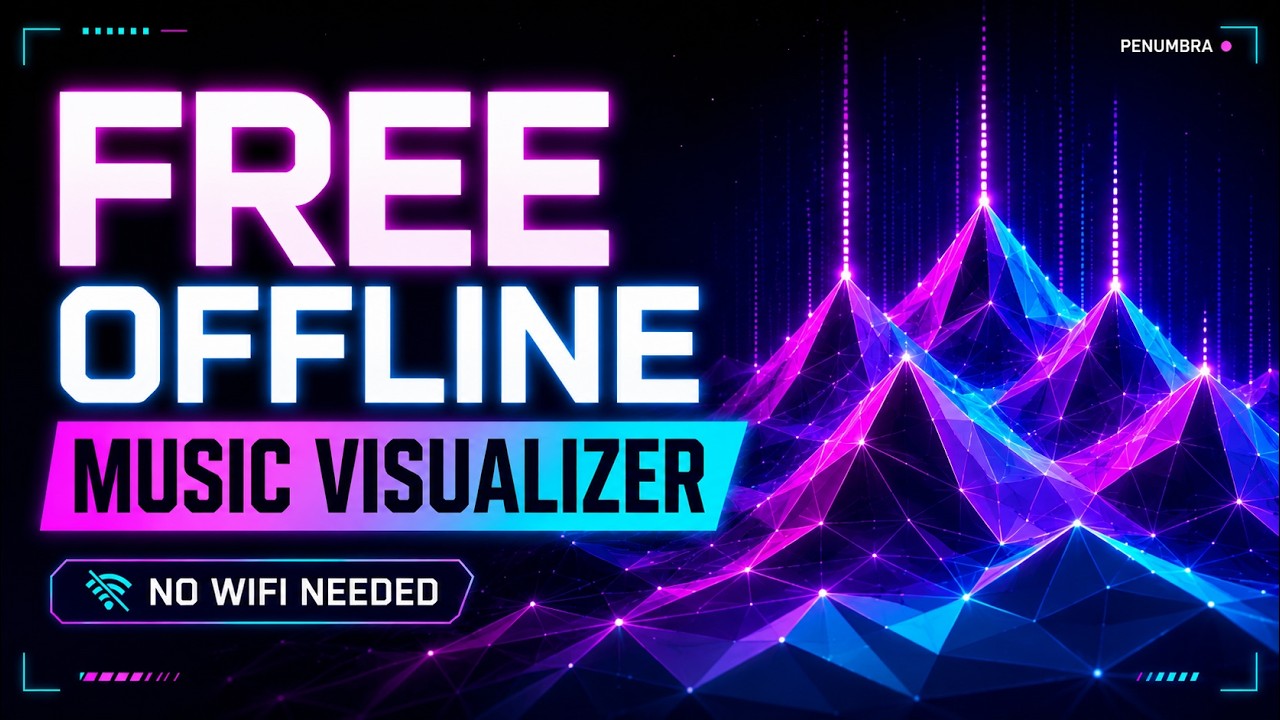
The no-install rule shaped every decision.
Most music visualizers fall into one of two buckets. Either they're heavyweight desktop apps (MilkDrop, projectM, the various Spotify add-ons) that take a real install and break on the machine you didn't plan for, or they're web apps that need an account, a cloud service, an active connection to a streaming API, and a browser permission dance every time. Both fail the “5pm at the cabin with spotty wifi and a Bluetooth speaker” test.
The constraint here was strict: everything has to work from a flash drive on an airplane. That ruled out frameworks (build pipelines), CDN dependencies (need network), telemetry (need network), and accounts (privacy hostility for no gain). What's left is the most boring possible architecture, which turned out to be the right one: one HTML file with inline CSS and JS, Web Audio for analysis, Canvas 2D for rendering. You can read every line of it.
Nine visualizers, real audio analysis, and a way to record the result.
Drag an .mp3 onto the page and it starts playing + visualizing immediately. The control bar hides while it plays and reappears on mouse movement, so you can leave it running on a TV at a party without the chrome distracting from the visual. Nine visualizers ship in the box, switchable via dropdown or shuffled automatically by an Auto / Random mode that mixes settings on a timer.
The three Penumbra-branded modes (Triangular Peaks, Eclipse Core, Code Rain) match the streaming overlay and this site, same corona teal, same eclipse silhouette, same debug-HUD chrome with a live void MEDIA::Playing("track") readout, BASS/LVL meters, and a scrolling beat timeline. The other six (Aurora, Code Rain, Mirror Bars, Pulse Rings, Tunnel Grid, Particle Burst, Waveform) are more conventional spectrum treatments.
Extra-credit features that mattered for the actual party-use case: a microphone / tab-audio capture path so it can visualize YouTube Music or Spotify in another tab, a built-in canvas+audio recorder that exports a .webm you can post to YouTube, and a playlist queue with drag-and-drop and auto-advance.
Six of the nine.
Stills don't do them justice, the visualizers are live reactive, but they show the shape and palette of each. Full video demo is on YouTube.
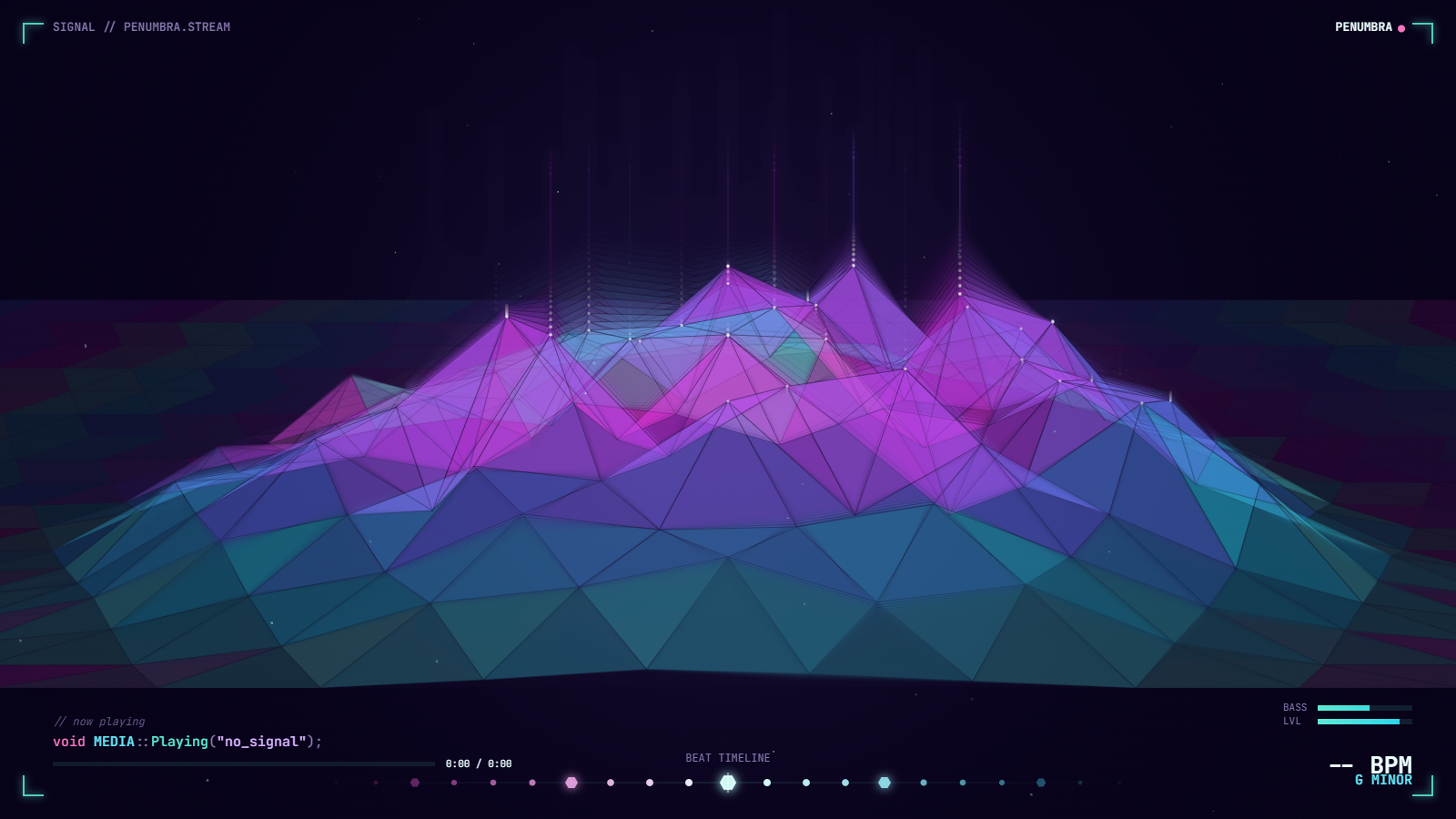
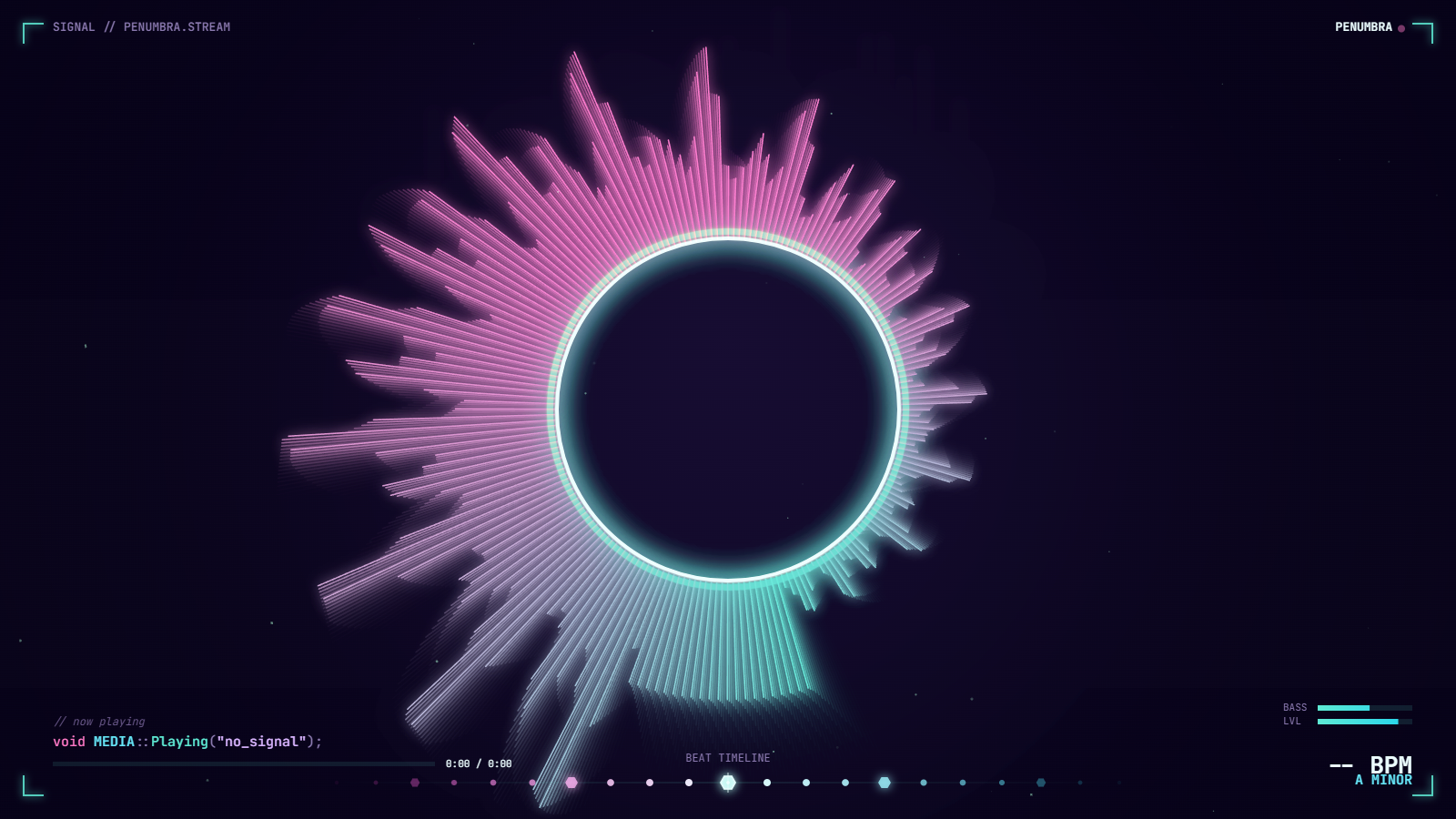
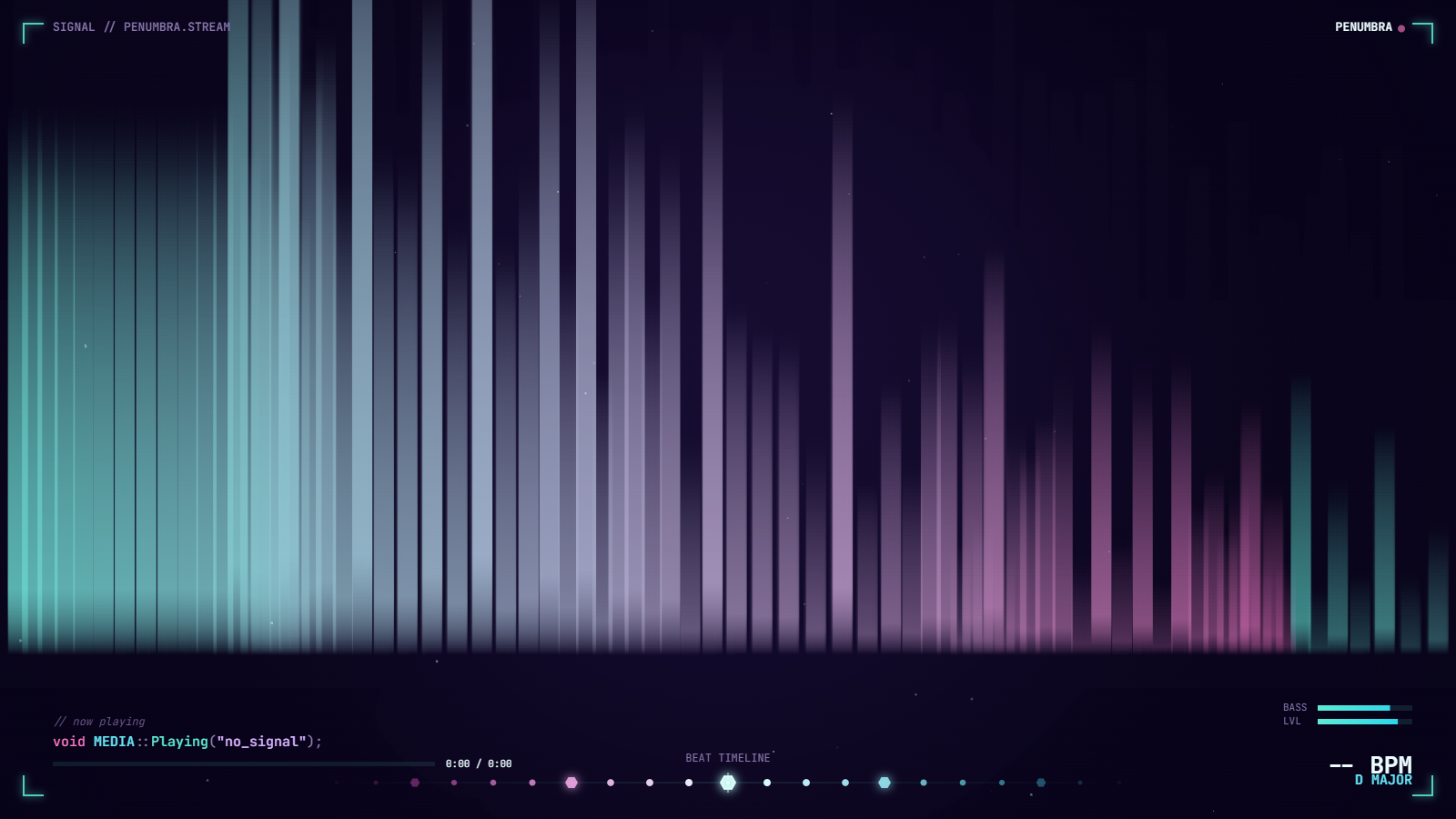
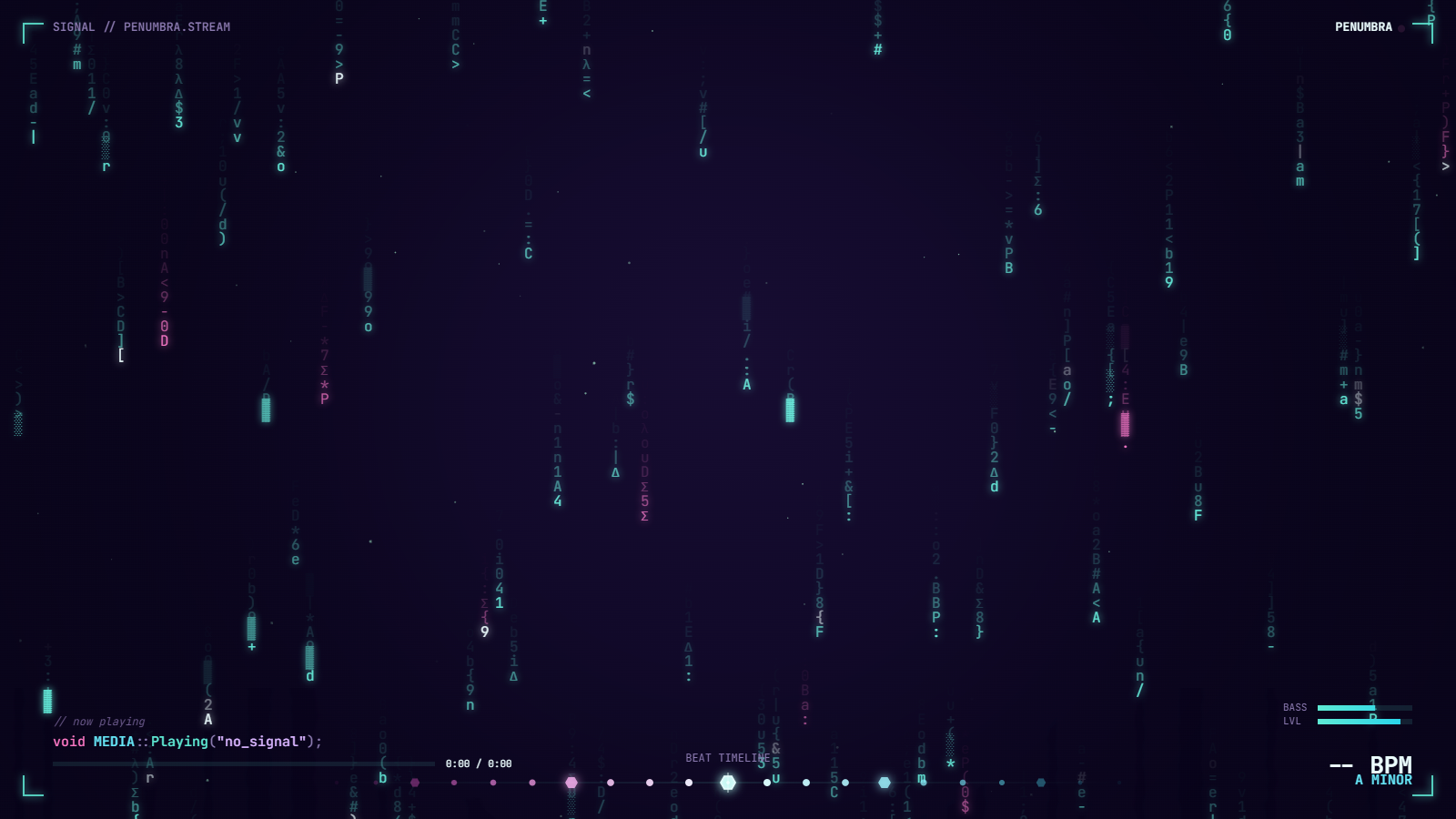
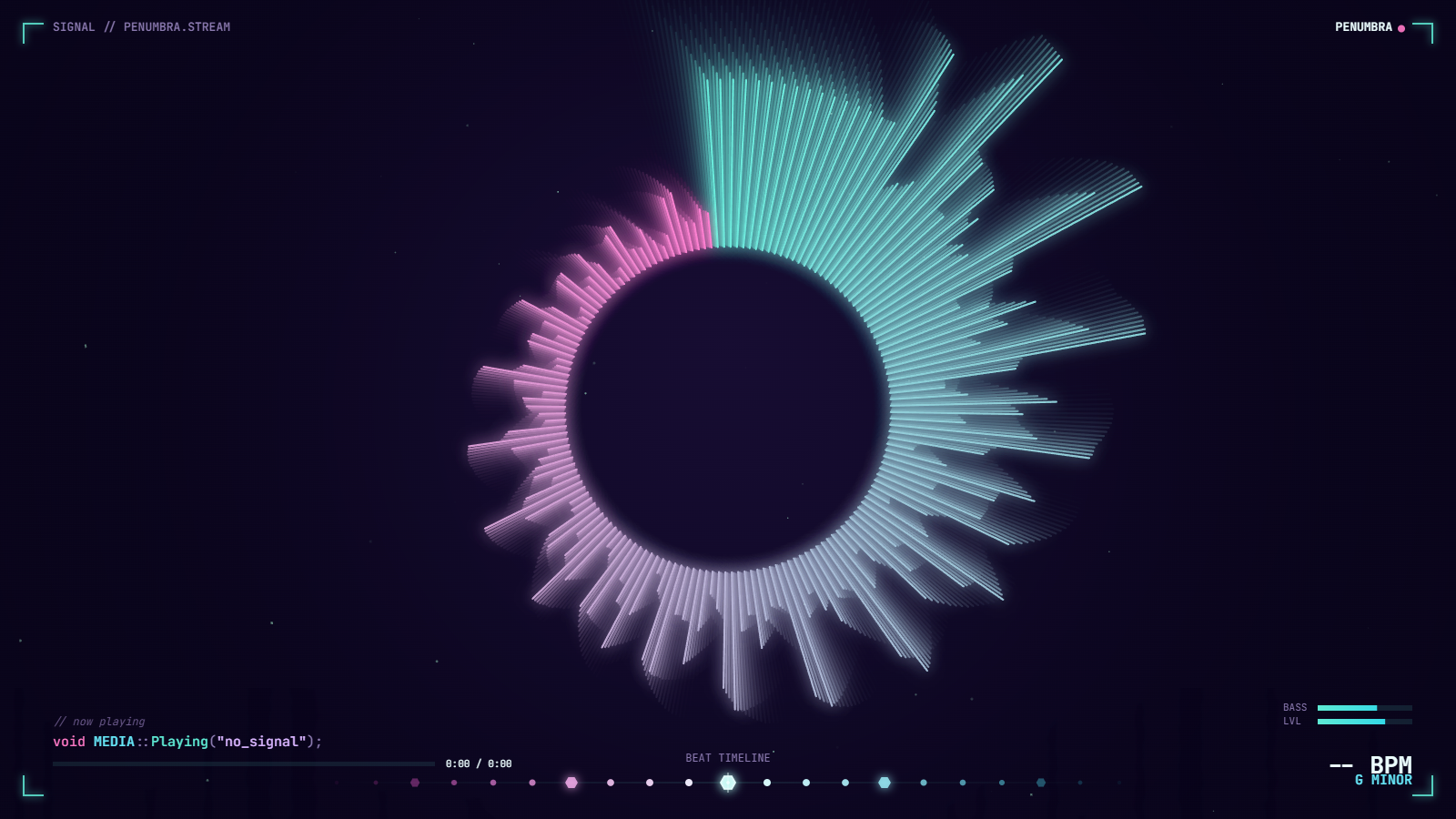
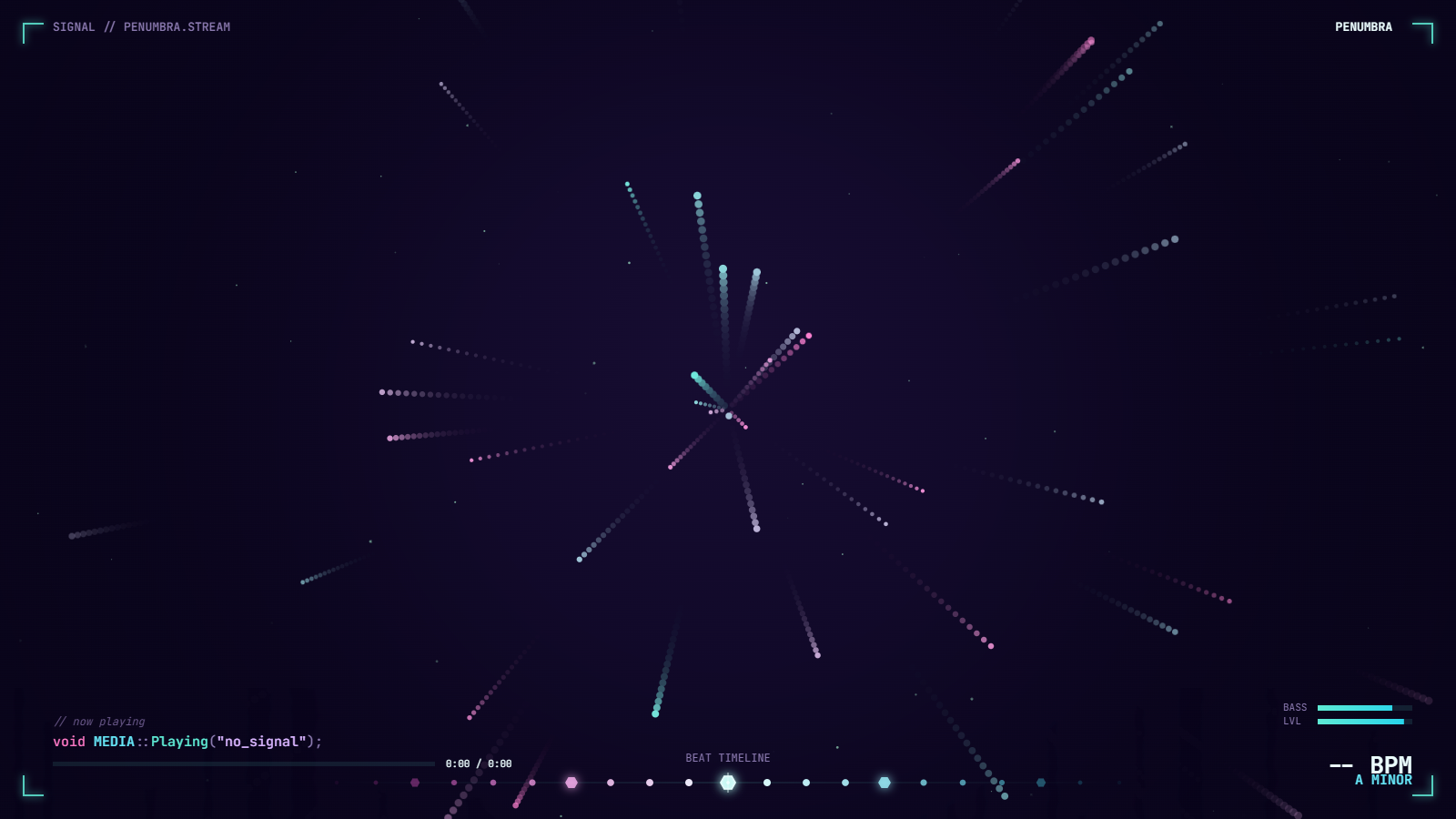
The interesting bits are all in the audio analysis.
The rendering is honest Canvas 2D, an offscreen FX layer composited with lighten / screen blend modes for the neon glow, no WebGL, no shaders. The work is in the audio path:
- Web Audio routing, a single
AnalyserNodesits inline between whichever source is live (MediaElementSourcefor local files,MediaStreamSourcefor tab-audio capture) and the destination. Every visualizer pulls frequency or waveform data from that single node per frame. - BPM detection on file load: an in-file FFT computes an onset envelope from the full track, then autocorrelates it across the 60-200 BPM range. The peak lag determines tempo. Result is cached in
localStoragekeyed on file hash, so each song is analyzed once. - Musical key detection via Krumhansl-Schmuckler: bin the whole track's energy into 12-bin chroma vectors, then correlate against the 24 standard major/minor key profiles. The best-fit profile is the song's key. Same
localStoragecache. - Recording path, the canvas
captureStream()is merged with the audio destination via aMediaStreamDestinationand fed to aMediaRecorder. Stop recording, get a.webmwith both tracks already in sync.
What's deliberately NOT here: no library, no npm, no build step, no minification, no telemetry, no analytics beacon, no font CDN call. The HTML file is the whole deliverable.
One file. Drag an mp3 onto it. Done.
Free, open source, MIT-licensed. If you want a similar zero-install browser tool built for your own brand or use case, single file, no backend, runs from a USB stick, that's a real shape of engagement; book a call below.